Real-time medieval strategy, right in your browser. Gather resources, build cities, advance through four ages and lead armies against the computer or your friends.
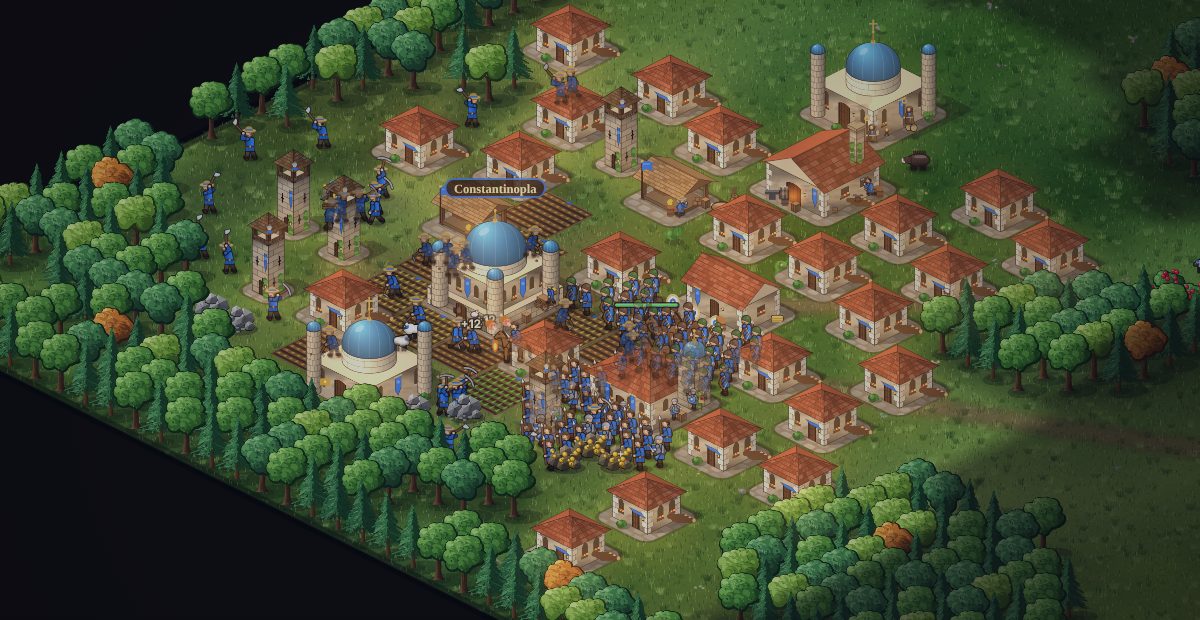
Inspired by the classics of the genre, designed to play on any screen.
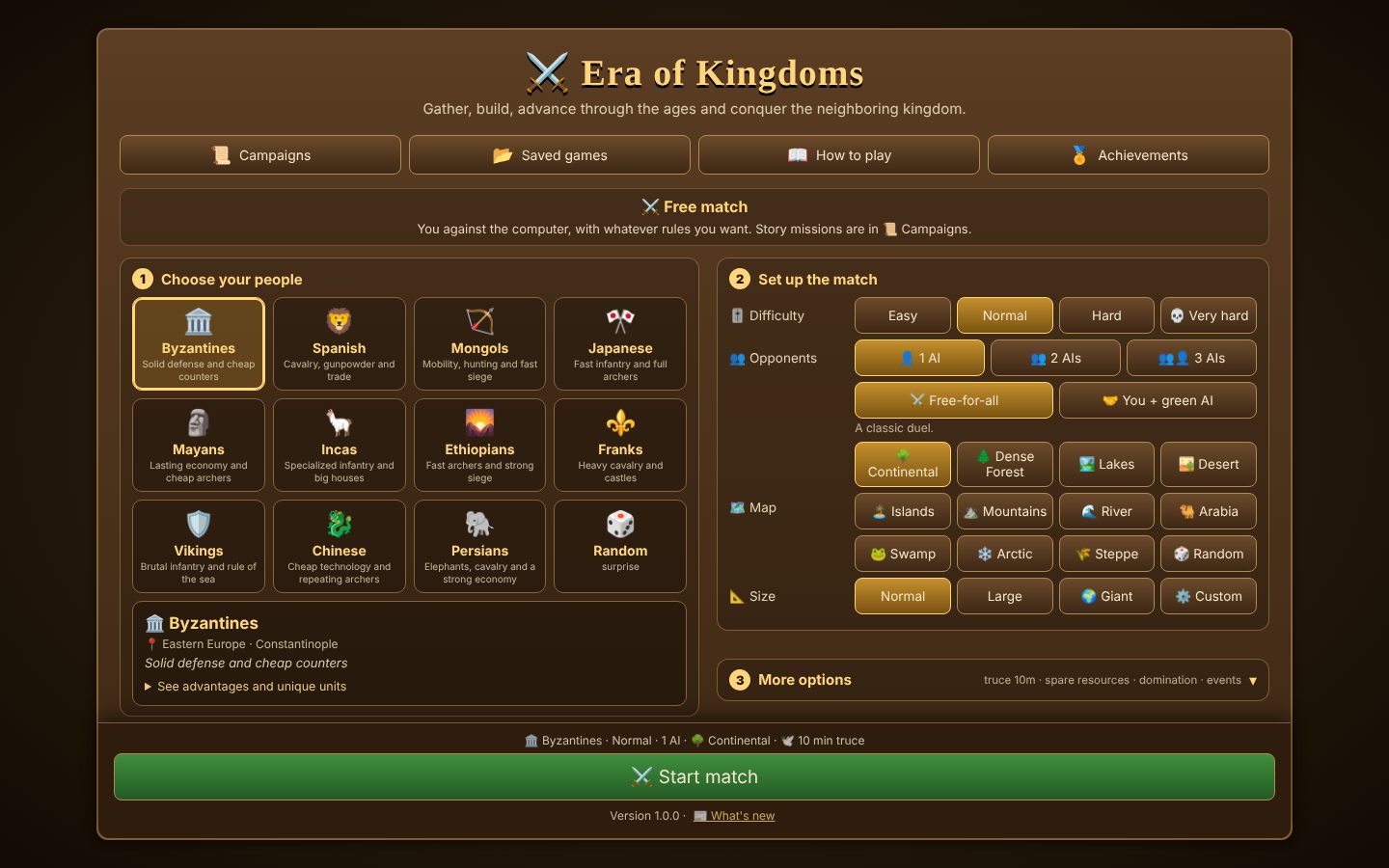
Byzantines, Franks, Mongols, Japanese, Vikings, Mayans and more: each with bonuses, limits and unique units.
Story missions with their own goals: defend Constantinople, escort the King, guard relics, rule the seas.
Four difficulty levels, up to three opponents, alliances and betrayals. The AI attacks in waves, raids and invades by sea.
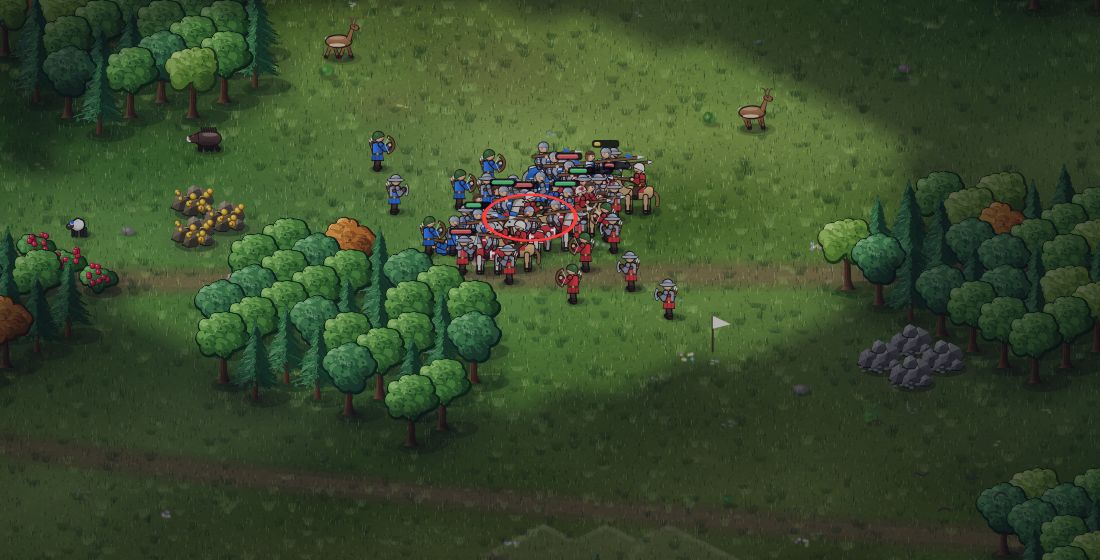
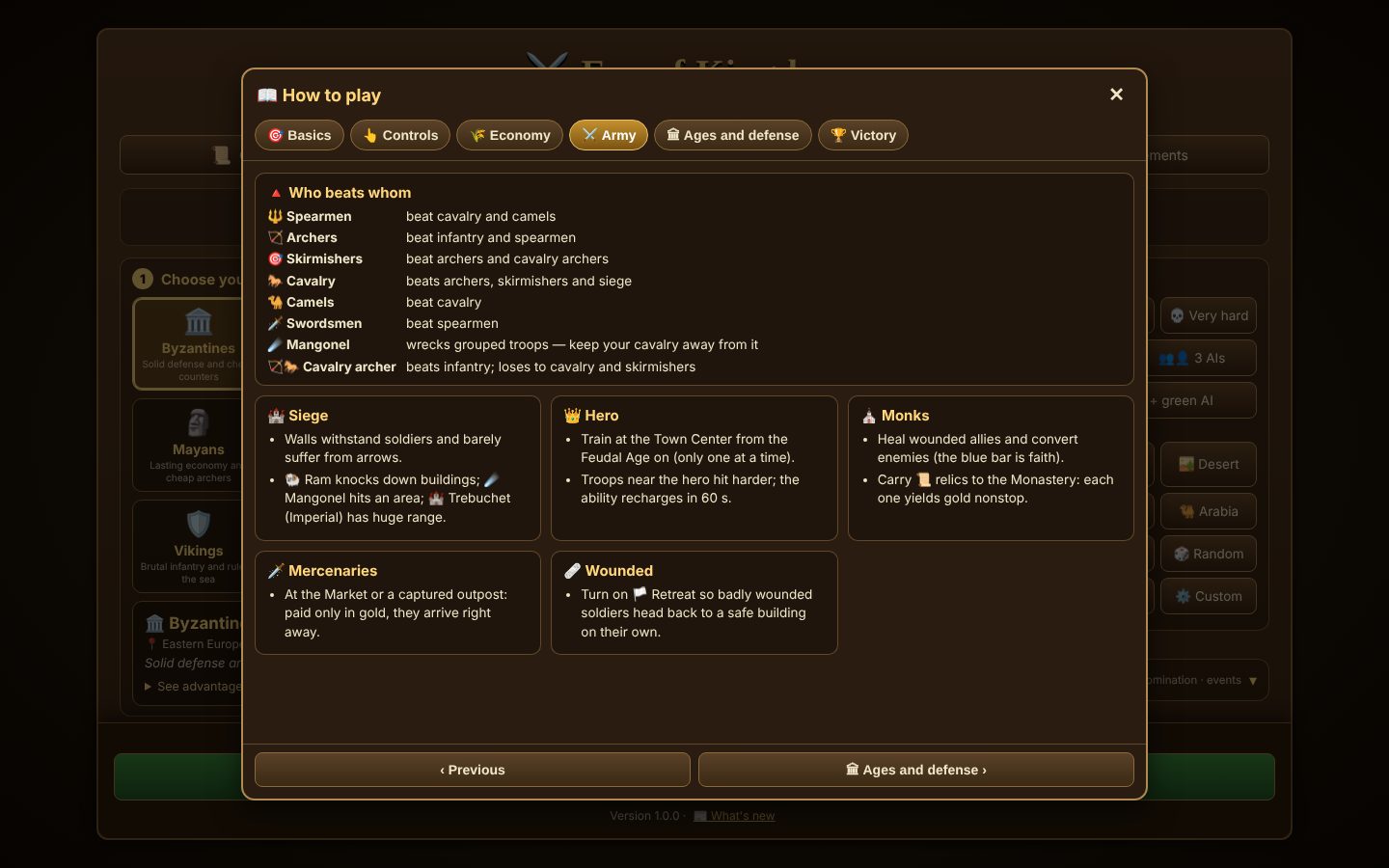
Spearmen against cavalry, archers against infantry, siege against walls: every troop has a counter.
Continental, islands, desert, arctic, river and more, from a quick duel to huge 384×384 maps.
The game saves every 15 seconds. Close it and come back later: the match picks up where it left off, even offline.
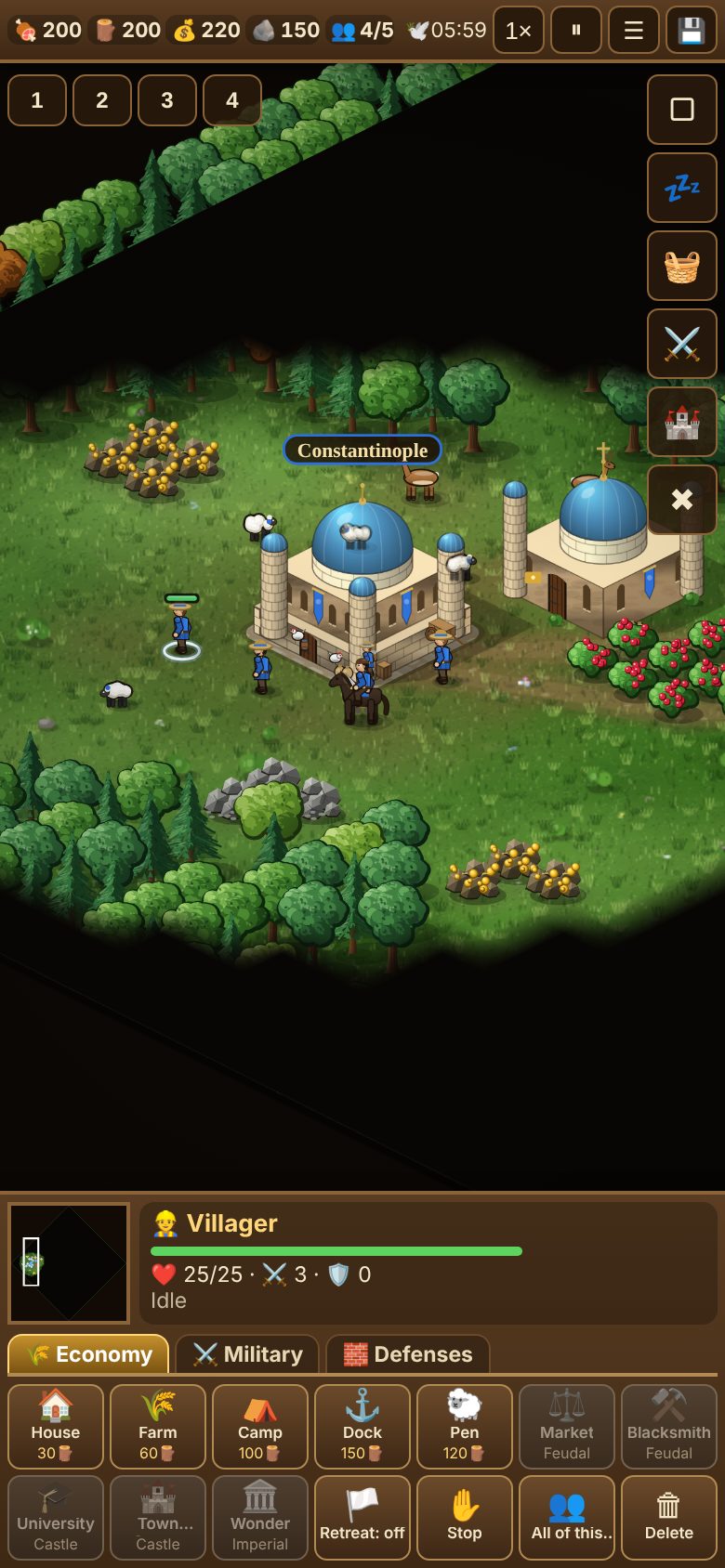
Real in-game screenshots.
Once installed, the game opens full screen, gets its own icon and works offline.
No. Just open the page and play. Installing it as an app is optional.
Yes. After you open it once, the game is stored on your device and opens even offline.
In your device's browser. To move a match to another device, use “Saved games → Download file”.
Yes: left click selects, right click gives orders, the arrow keys or the screen edge move the map, and the Q, W, E, R… keys press the panel buttons.
Yes. In “More options”, choose “People colors → Colorblind-friendly”.
Yes: on the start screen, tap 🌐 Multiplayer. Someone creates a room and shares the code; up to 4 kingdoms, with friends or the computer.
We don't collect personal data. The game sends anonymous error reports and usage counters (version, language, device type, chosen people and map). Your connection address is used only at that moment to estimate country and state, and is never stored. You can turn it off in ⏸ Pause → 📊 Reports. Geolocation: IP Geolocation by DB-IP.
 Realms & Crowns